 SafeCast Free
 Hide private data before you hit record.
Recording a tutorial and worried about the email, card number or balance on screen? SafeCast blurs or blacks out sensitive data right in the page, so it is already hidden before OBS, Loom or a screenshot ever sees it.
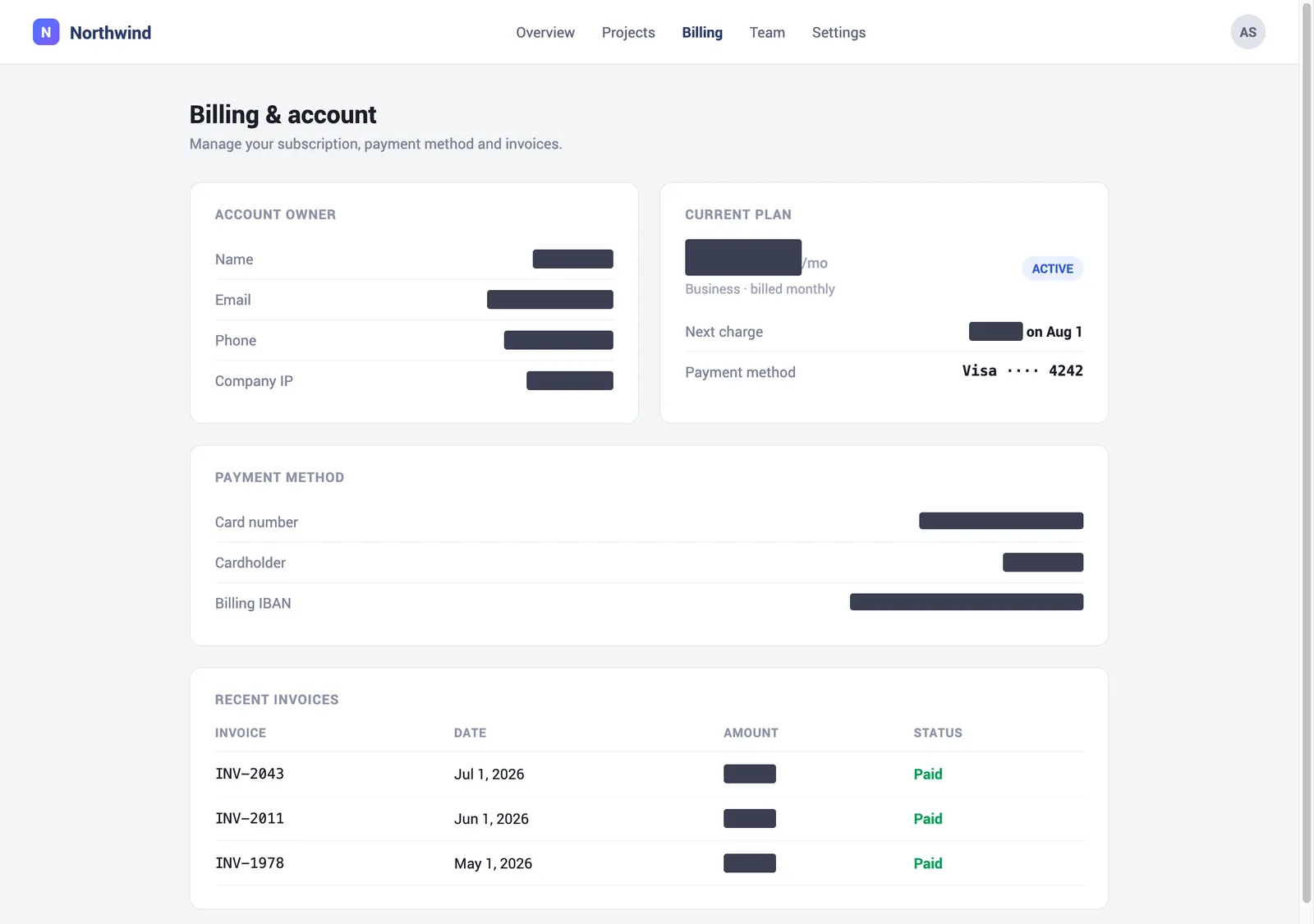
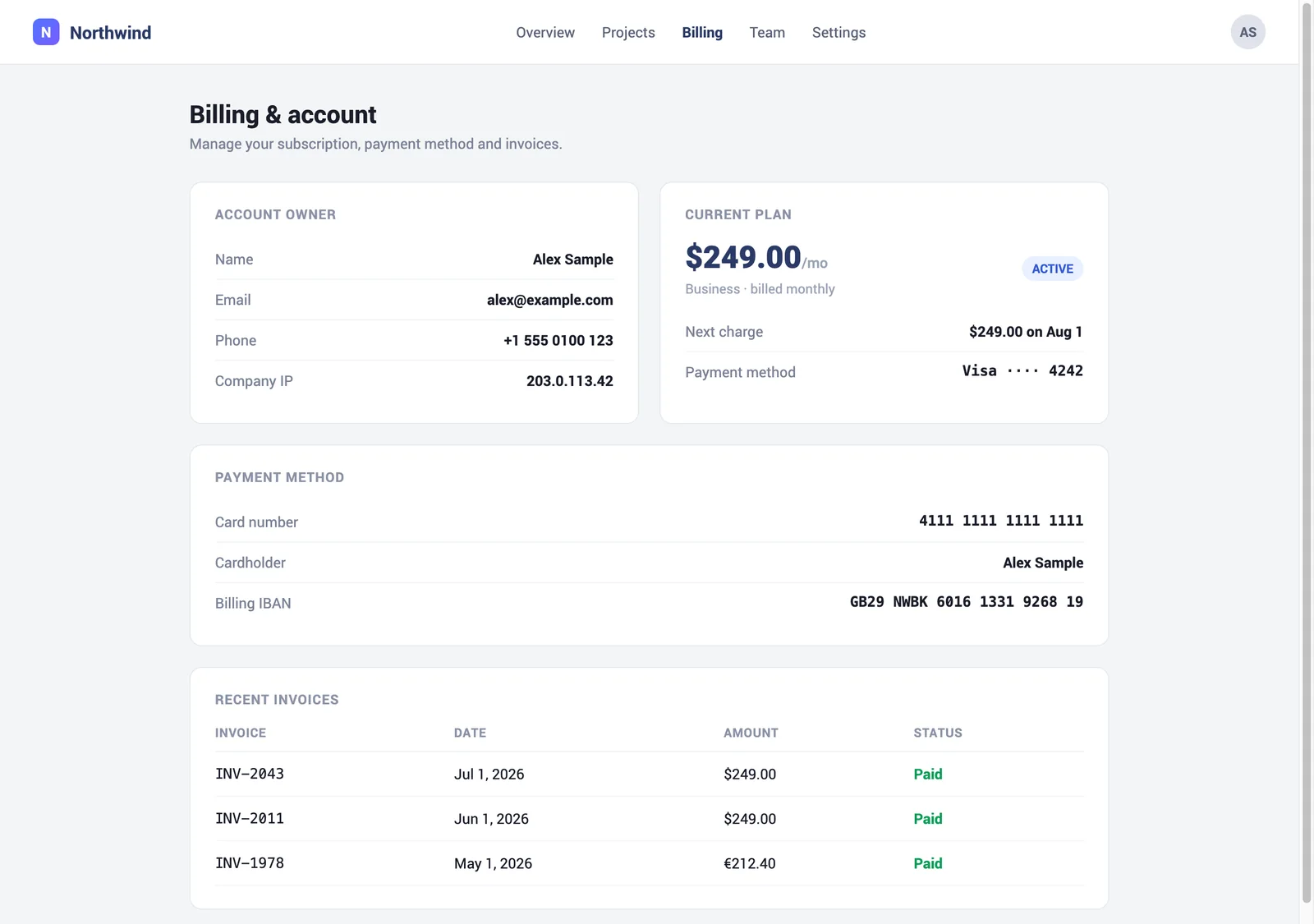
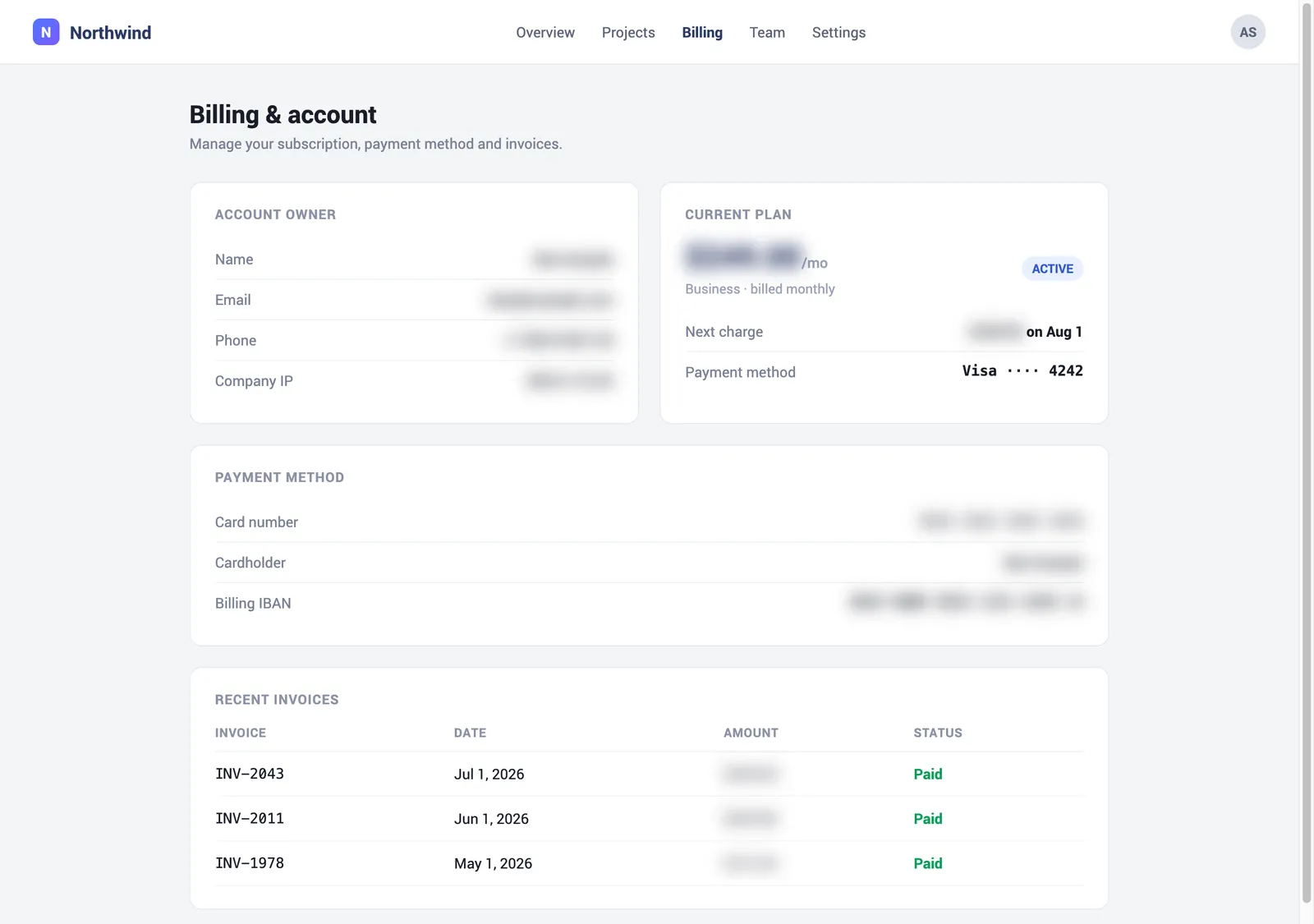
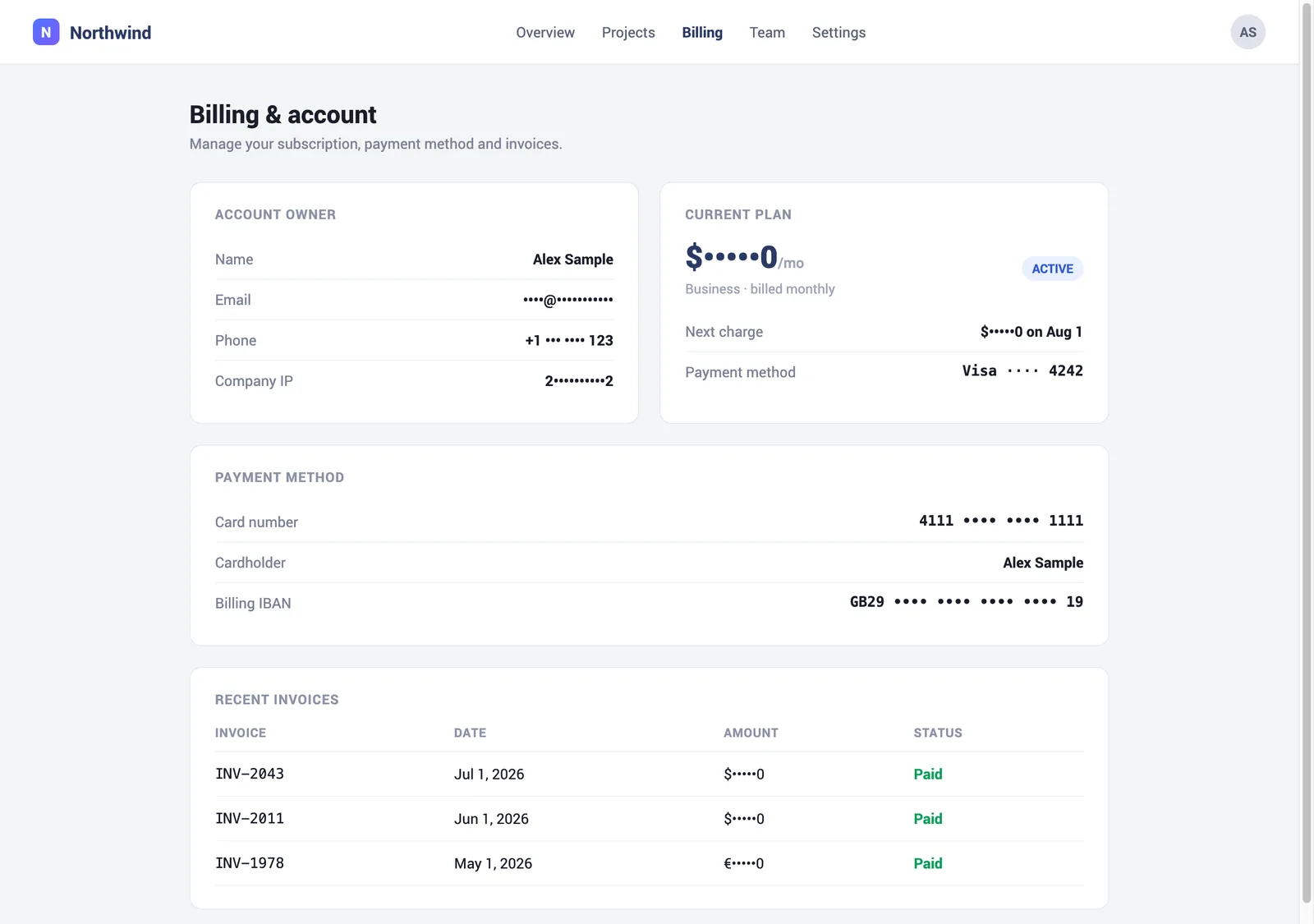
A real page, redacted live by SafeCast. Drag the handle.




Everything you can hide
Every control lives in one small popup. Here is the actual interface, no marketing mockups.
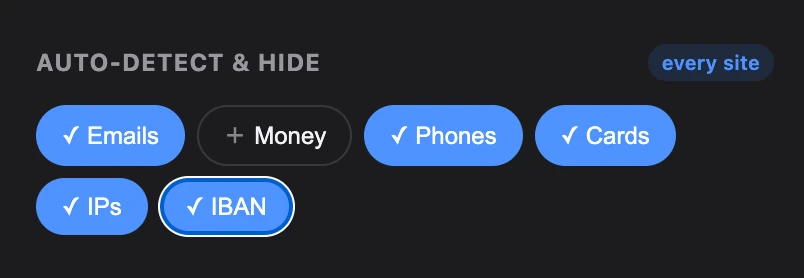
Auto-detect sensitive data
One tap hides emails, money amounts, phone numbers, credit cards (Luhn-checked), IP addresses and IBANs, wherever they appear on the page.
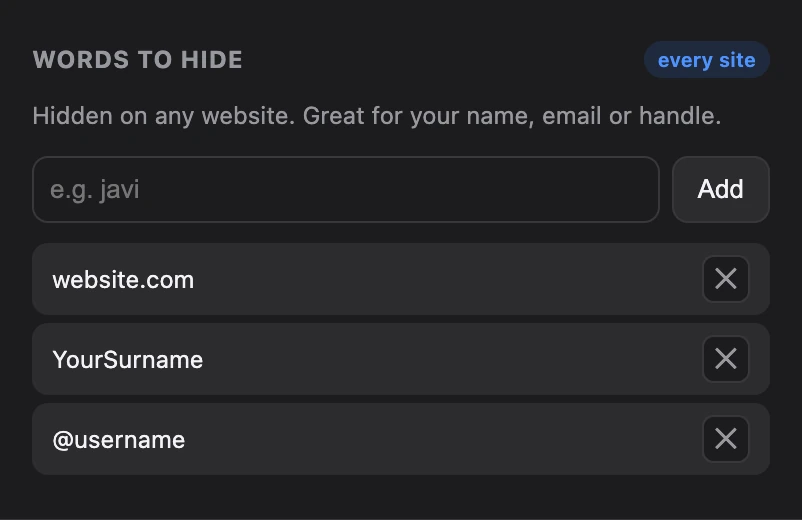
Hide any word, everywhere
Add your name, handle or company and SafeCast hides it on every site. Smart emails keep common domains visible so context stays clear.
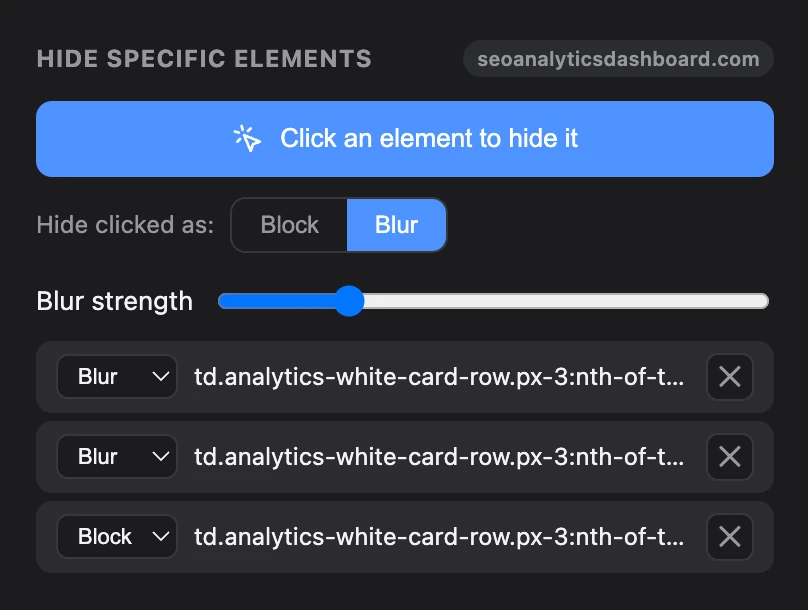
Click to hide an element
Point at a sidebar, avatar or balance and click. SafeCast builds a stable rule for that element on that site, block or blur, your choice.
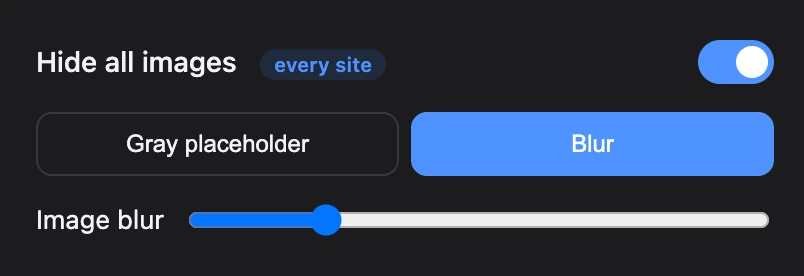
Hide images and avatars
Replace every image, video and avatar with a gray placeholder or a blur, in one toggle. Layout stays intact so your demo still looks right.
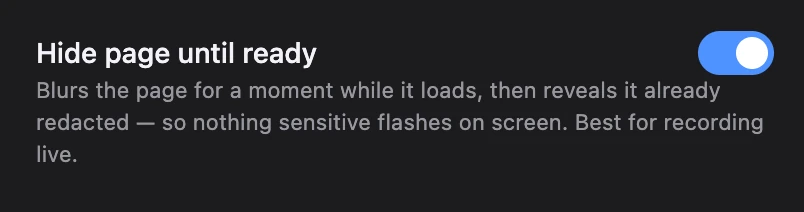
No flash on load
"Hide page until ready" keeps the page hidden until the first redaction pass finishes, so sensitive content never flashes while you record live.
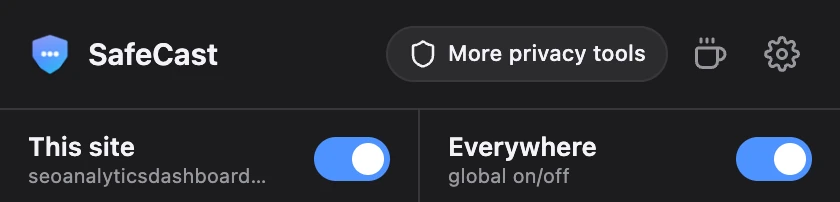
Pause on any site
Toggle SafeCast for the current site only, or everywhere at once. Leave it on where you record and off where you do not need it.
Three ways to hide text
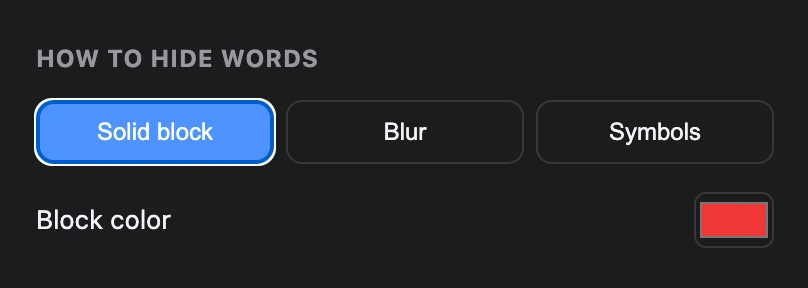
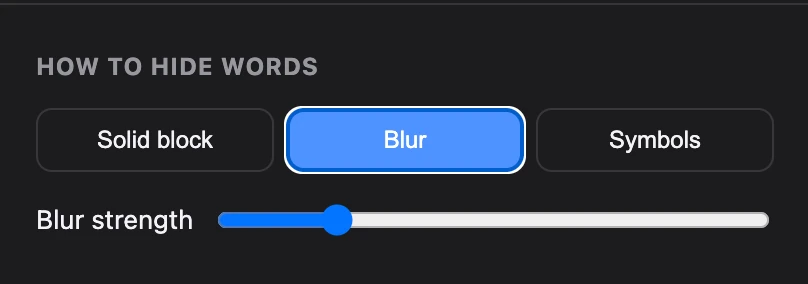
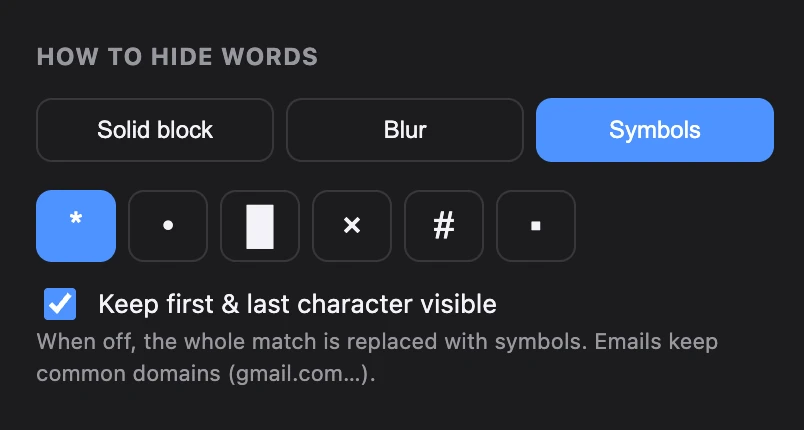
Pick a solid block, a blur, or symbols, globally or per word. The top of each card is the real SafeCast control. The bottom shows what it does to the text.
Card ending 4242
Balance $12,480.00
Solid block
Reads as "intentionally hidden" on camera. Best when you want zero doubt that something is covered.
Card ending 4242
Balance $12,480.00
Blur
Keeps the shape and rhythm of the page while hiding the detail. Softer, still clearly redacted.
Password p••••••d
Email ••••@gmail.com
Symbols
Masks the middle and keeps the first and last character, so it still looks like real data. Common email domains stay visible.
The same page, all three ways
Questions
Does SafeCast work while I record with OBS, Loom or QuickTime?
Yes. SafeCast redacts the page inside your browser, so anything that captures your screen (OBS, Loom, QuickTime, Zoom share, a plain screenshot) records the already-hidden version. It is not a video plugin, it hides the data at the source.
Is my data sent anywhere?
No. SafeCast runs entirely in your browser and never sends your page content or settings to any server. There is no analytics and no network calls. Your rules sync only through your own browser account.
Which browsers are supported?
Chrome, Brave and Edge (all Chromium) and Firefox. Brave installs it from the Chrome Web Store. A Safari version is planned and needs native packaging, so it ships a little later.
Will hiding things break the page layout?
No. SafeCast covers text and images in place, so the page keeps its size and structure. For decorative CSS background images it leaves the layout alone, and you can click-to-hide those individually if needed.
Can it hide things automatically, or do I set each one?
Both. Turn on auto-detect and it finds emails, money, phone numbers, cards, IPs and IBANs for you. You can also add specific words (like your name) or click any element to hide it on that site.
How much does SafeCast cost?
SafeCast is free. If it saves you a re-record, you can leave a tip through the support links, but every feature is free with no account required.
Record your real screen, hide the private parts.
Free, no account, nothing leaves your browser.
Privacy
SafeCast collects nothing. No servers, no analytics, no network requests. Everything happens locally in your browser, and your settings sync only through your own browser account. It cannot see, store, or send your data because there is nowhere for it to go.
Read the full privacy policy →